
Free online contract maker
Create a professional contract in minutes
Pick one of 11 contract types, fill in the details and get a polished, ready-to-sign PDF. The clauses are written for you.
Reviews
Loved by people who get things done
Really Good
So far the app is working great and very user friendly. Makes my job easier every day!
Chief Handyman · United States Awesome app
I like the fact that I can edit my clients within the invoice.
Black Moose · South Africa Superb app
Thank you so much, very easy to make invoice.
Saf anis · Sri Lanka Good one
Nice app. The templates are clean and easy to customize ❤️
Kishandiss · United Kingdom
Contract types
11 contracts, ready to fill in
Every type starts with standard sections written for that agreement. Change, reorder or add sections as you like.
- Non-Disclosure AgreementProtect confidential information you share with a partner, client or employee.
- Freelance AgreementAgree on the work, deliverables, deadlines and payment for a freelance project.
- Service AgreementSet out the services you provide, the price and the terms for a client.
- Employment ContractHire someone with clear terms: role, salary, hours, holidays and notice.
- Rental AgreementRent out a house, apartment or room with rent, deposit and house rules.
- Sublease AgreementLet a tenant rent out (part of) a property to a subtenant.
- Sales AgreementSell goods, a vehicle or equipment with price, condition and delivery.
- Loan AgreementLend money with a repayment schedule, interest and what happens if payments stop.
- Partnership AgreementStart a business together: ownership, contributions, decisions and profit.
- Internship AgreementTake on an intern with the role, schedule, compensation and learning goals.
- Non-Compete AgreementAgree that someone won't compete with your business for a set time and area.
- Custom ContractStart from a blank page and write or add exactly the sections you need.
Features
Everything you need to put it in writing
From the first clause to the signature, without a lawyer's blank page.
Clauses written for you
Each contract type comes with standard sections, plus alternatives you can swap in with one click.
Fill in once, used everywhere
Names, dates and amounts you enter appear in every section automatically. Empty fields are highlighted.
Sign in your browser
Draw your signature with a mouse, finger or pen, or reuse a saved one. Add the date it was signed.
18 professional templates
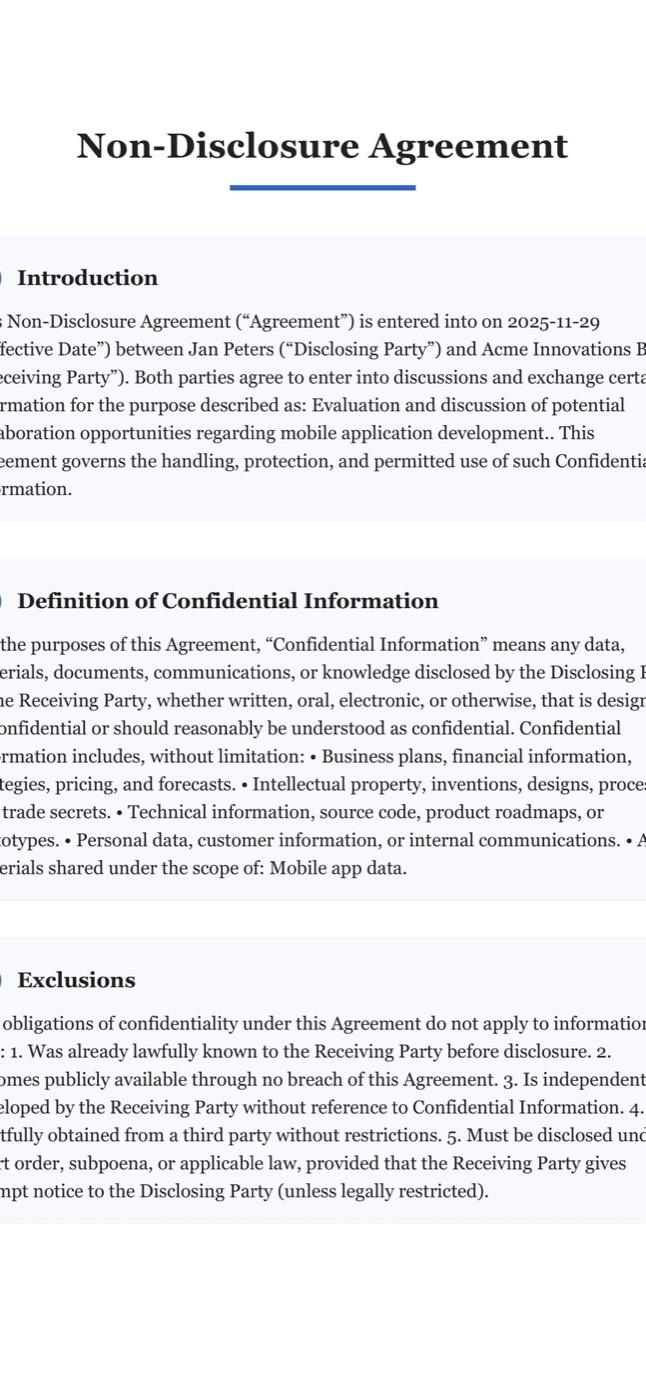
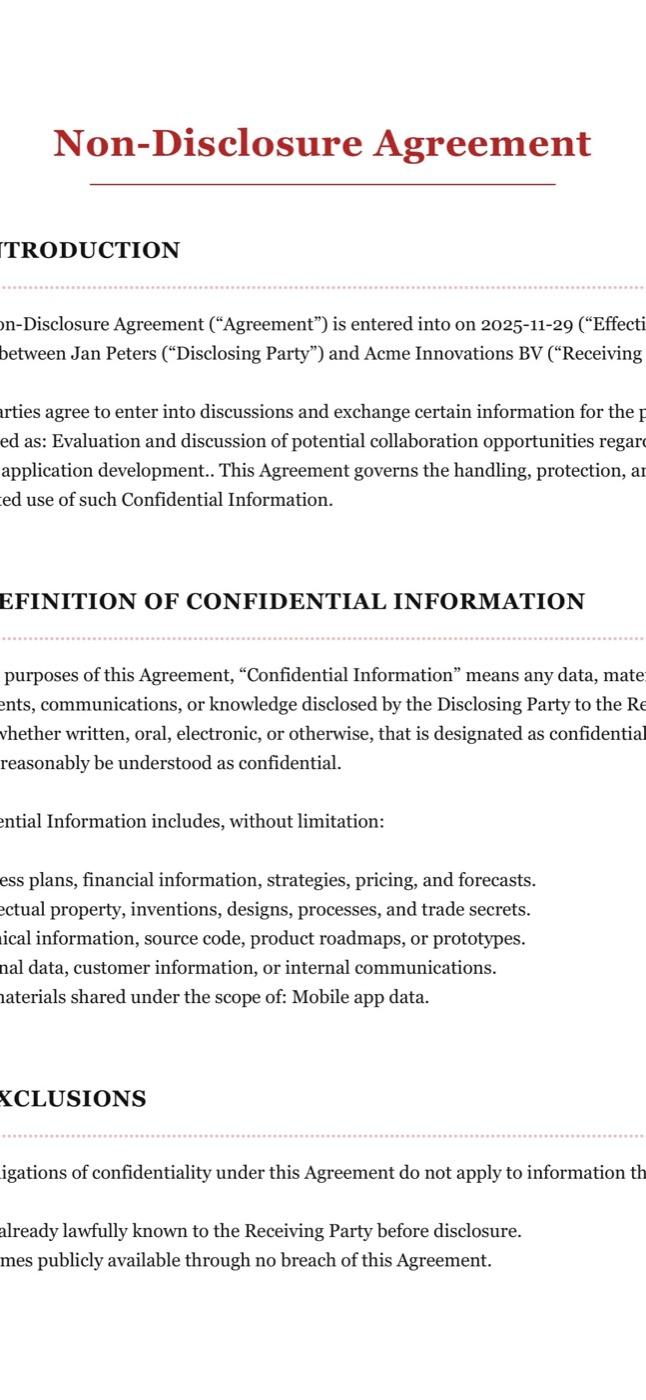
From classic legal to modern and minimal. The preview shows exactly what the PDF will look like.
Contracts in 12 languages
Write the contract in your client's language. The standard sections switch along, your edits stay.
Saved in your account
Sign in and your contracts, parties, signatures and own sections are saved, ready on any computer.
How it works
From blank page to signed contract
Three steps, a few minutes. No account needed until you download.
01
Pick a contract
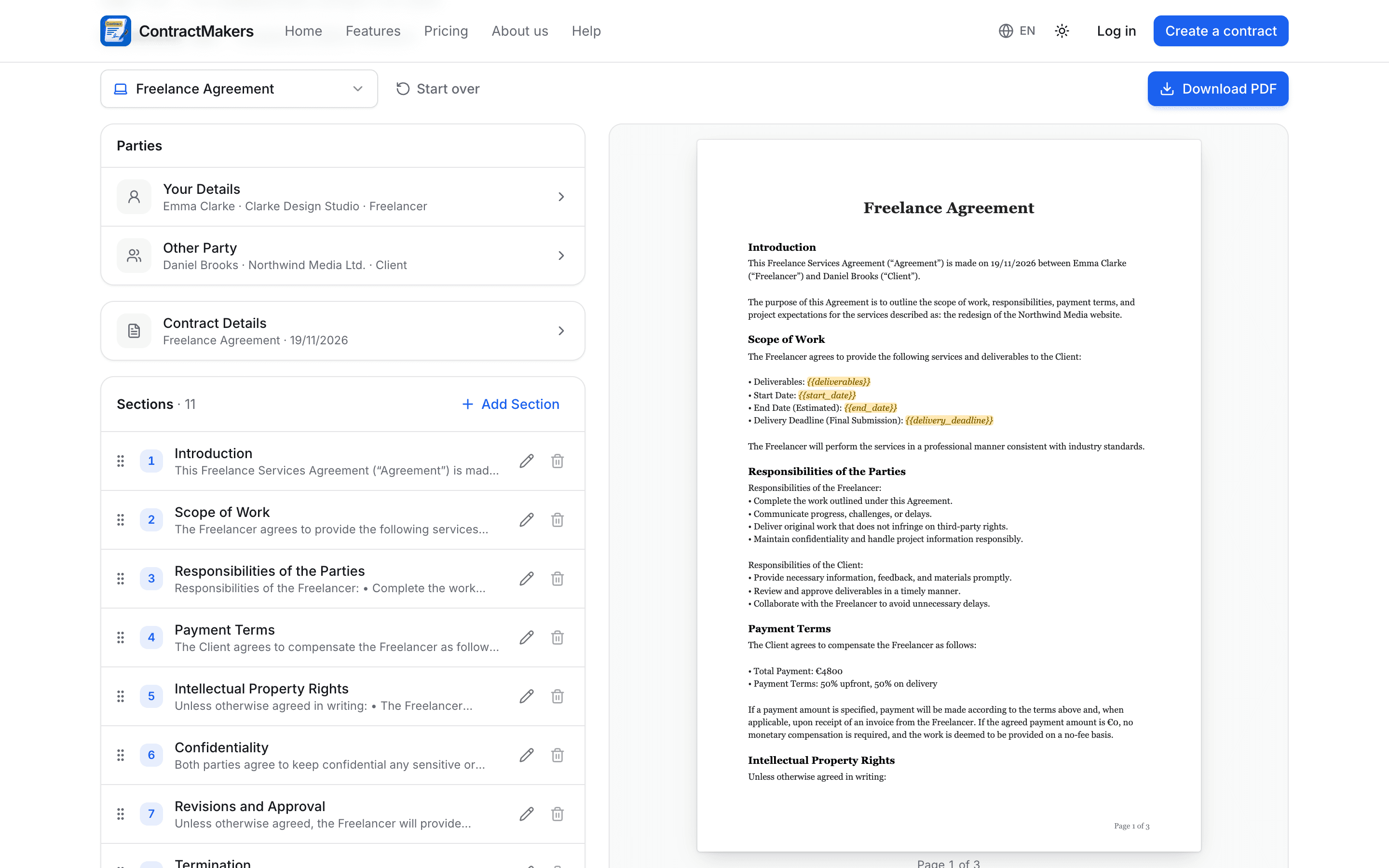
Choose from 11 contract types. It opens with the standard sections already in place.
02
Fill in the details
Add both parties and the key terms. Edit any section, add your own and sign it.
03
Download the PDF
Get a clean, print-ready PDF in A4 or US Letter, ready to send or sign.


Your dashboard
Every contract, in one place
Sign in and your contracts are saved to your account: find them, edit them and track who still has to sign.
All your contracts
Search, filter by type and status, duplicate and download again any time.
Saved parties
Clients, landlords and employees you work with, ready to pick on the next contract.
Your own sections
Save the clauses you use often and add them to any contract.
Mobile app
Take ContractMakers with you
The Contract Maker app for iPhone and Android: the same templates and contract types, in your pocket.
- Draft and send a contract from anywhere
- Let the other party sign on your phone
- Your contracts saved right on your phone



4.9 on the App Store
Frequently asked questions
- Is ContractMakers free?
- Yes. You can write a contract and download it as a PDF for free, right in your browser. Free accounts can create 3 contracts; Pro is unlimited and removes the watermark.
- Are the contracts legally binding?
- A contract is generally binding when both parties agree to it and sign it, but the rules differ per country and per type of agreement. Our sections are general, well-written examples, not legal advice. For important agreements, have a lawyer check the contract.
- Do I need an account?
- Not to start: write your contract right away. To download the PDF you sign in with Apple or Google. It takes seconds and everything you entered is kept.
- How do we sign the contract?
- Draw your signature in the editor (or reuse a saved one) and add the date. The other party can sign the same way, or you print the PDF and sign it on paper.
- Is there a mobile app?
- Yes, the Contract Maker app for iPhone and Android, with the same contract types and templates. The app keeps its contracts on your phone; contracts you make on this website are saved in your account here.
ContractMakers is a document tool, not a law firm, and doesn't give legal advice. The sections are general examples; for important agreements, have the contract checked by a lawyer.